
Your Zoom lesson,
edited by itself.
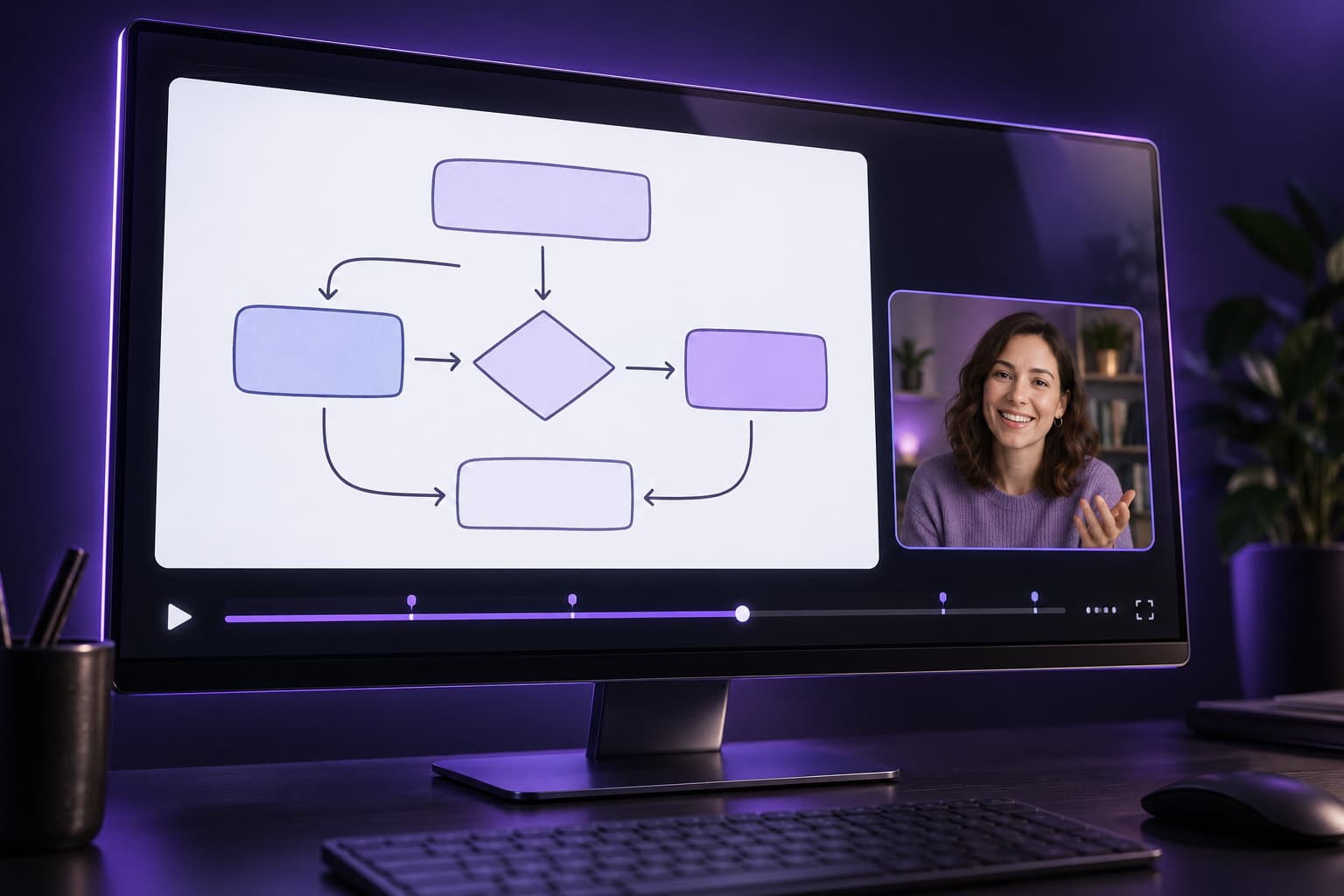
Upload the three files Zoom gives you, or connect Zoom once. You get back a finished lesson: camera big when you talk, screen big when you work, zooms where the mouse goes, long silences cut.
- 29 s
- test lesson rendered in 13 s
- 0
- timeline edits by you
- 3 → 1
- Zoom files in, one lesson out
Three steps, none of them editing
- 01
Drop the files
Speaker view, shared screen and audio from your Zoom recording page. Or connect Zoom and skip this forever.
- 02
The rules do the cut
A rules engine, not a model: it measures silence, screen motion and the mouse, and decides when you are the picture and when the screen is.
- 03
Download the lesson
1080p MP4 with your lesson label in the corner, ready for YouTube, your LMS or WhatsApp.
What the editor does, every time, the same way
Cuts the silences
Pauses longer than three seconds go; a natural beat stays.
Camera big when you talk
When the screen is still and you are speaking, you are the picture.
Screen big when you work
The moment the screen moves, it takes the frame; your camera sits in a card.
Zooms where the mouse goes
Smooth, eased zooms to the part of the screen you are working on.
A label in the corner
Lesson number, course, module: three lines, set once per course.
Ready to publish
1920×1080, 25 fps, clean audio, fast-start MP4.

Connect Zoom once. Every recording edits itself.
Finish a class, stop the cloud recording, and the edited lesson appears in LessonCut a few minutes later. No downloads, no uploads, nothing to remember after class.
Creator plan and up · Zoom cloud recording with separate speaker and screen files
Simple hours, honest price
Hour-based because rendering costs us minutes too. Beyond your hours: $1 per hour.
Development server: Stripe is not configured, so “Choose” switches the plan directly.
- 3 lessons, each up to 20 minutes
- 720p with a small LessonCut mark
- files kept 7 days
- 10 hours of lessons a month
- 1080p, no watermark
- Connect Zoom: every recording edits itself
- files kept 30 days
- 40 hours a month
- priority queue
- your logo and label (soon)
- local rendering on Mac/Windows (soon)
- 5 seats, shared workspace
- 150 hours a month
- API access (soon)
Questions teachers ask
Does it use AI?+
No. It is a rules engine: silence thresholds, screen-motion measurement, mouse position. The same recording gives the same edit every time, and you can see the rules it applied under “What the editor did”.
Which files do I upload?+
From your Zoom recording page: Speaker view (camera), Shared screen, and Audio only. Audio is optional. Or connect Zoom and we fetch them.
Which Zoom settings do I need?+
Cloud recording with “Record active speaker, gallery view and shared screen separately” on. Our setup guide shows the four checkboxes.
How long does a lesson take?+
About a third of its length on our workers: a 60-minute lesson is back in roughly 20 minutes. You can watch the progress live.
Who owns the video?+
You do. Files are private, signed links expire, free renders are deleted after 7 days and paid after 30. Delete anything any time.
Can I pay in taka?+
Yes. Bangladeshi teachers pay by bKash or card through PretendMind Ltd. as a 30-day pass; everyone else pays by card through Stripe.